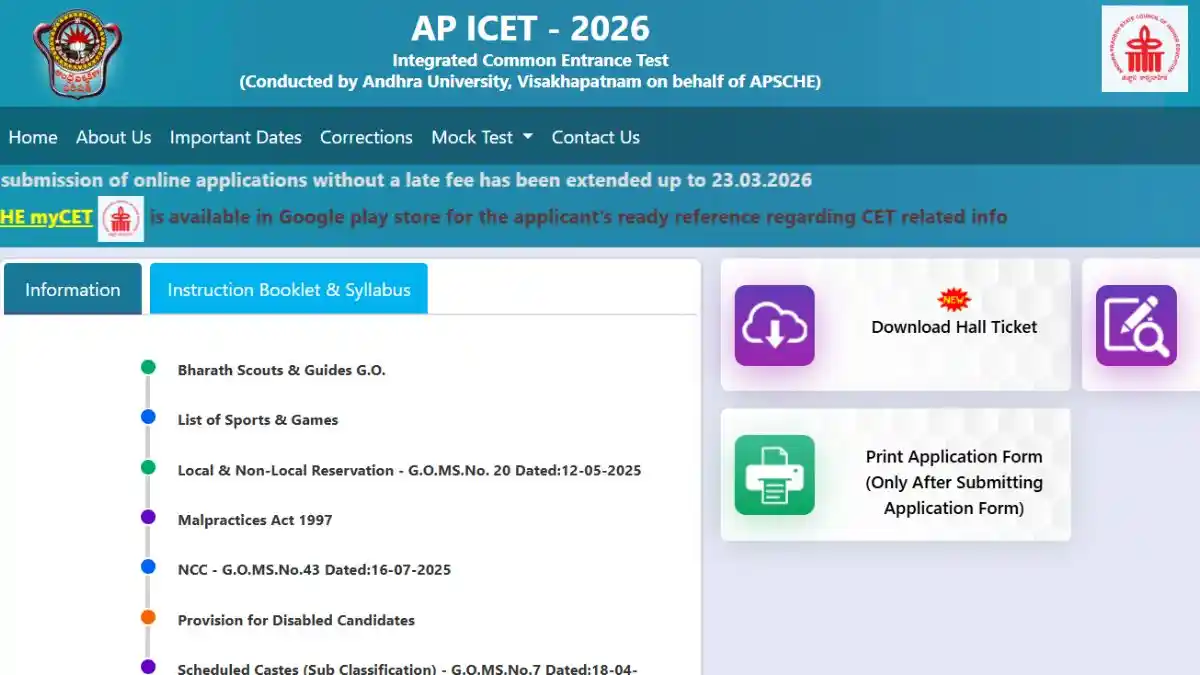
If you have appeared for the AP ICET 2026 examination and are awaiting your results this article is for you. The Andhra Pradesh State Council of Higher Education (APSCHE) is set to release the AP ICET 2026 Preliminary Answer Key very soon. With the help of this key you can calculate your score and analyze your performance. In this guide we will walk you through the process of downloading the answer key, filing objections and accessing all other important information, step-by-step.
APICET 2026 Answer Key: Important Dates
After the exam concludes the biggest question is always- when will the answer key be released? You can check all the important dates in the table provided below.
| Event | Date |
| AP ICET 2026 Exam Date | 02 May 2026 |
| APICET 2026 Preliminary Answer Key | 05 May 2026 (5:00 PM) |
| Objection Window Start Date | 05 May 2026 |
| AP ICET 2026 Objection Window Last Date | 07 May 2026 |
| Final Answer Key and Result Date | 16 May 2026 |
How do you download the AP ICET 2026 Preliminary Answer Key?
Once the answer key is released on the official website you can simply download it by following the steps given below:
- First visit the official APSCHE website at cets.apsche.ap.gov.in.
- On the homepage you will see the AP ICET 2026 tab click on it.
- There, locate the link labeled Exam Papers & AP ICET Preliminary Answer Key and click on it.
- Your answer key will open on the screen in PDF format.
- Download it and match the answers with your response sheet.
Score Calculation: How to Check Your Marks?
To calculate your marks you will need the answer key and your response sheet.
- Positive Marking: You will receive 1 mark for every correct answer.
- Negative Marking: There is no negative marking in AP ICET therefore no marks will be deducted for incorrect answers.
- Process: Cross check the correct options provided in the answer key against your response sheet and tally the total count of correct answers.
How to File an Objection (Step-by-Step Guide)
If you believe that any answer in the official AP ICET provisional answer key is incorrect you can raise an objection against it.
- Step 1: Visit the objection portal on the official website.
- Step 2: Log in using your login credentials (Hall Ticket Number and Registration Number).
- Step 3: Select the Question ID regarding which you have a doubt.
- Step 4: Upload appropriate proof or a valid reason (such as a textbook reference).
- Step 5: If any fee is applicable, pay it and submit.
Please note that this objection window will remain open only until May 7, 2026 therefore please submit your challenge before the deadline.